
Streamers and Hi-Fi
Qobuz on Denon
Use the HEOS app to select your Denon, add the service, and start playback.
Play Qobuz through Denon
The phone and Denon must be on the same home network. Update the HEOS app and device firmware before starting.
- 1
Select your Denon in HEOS
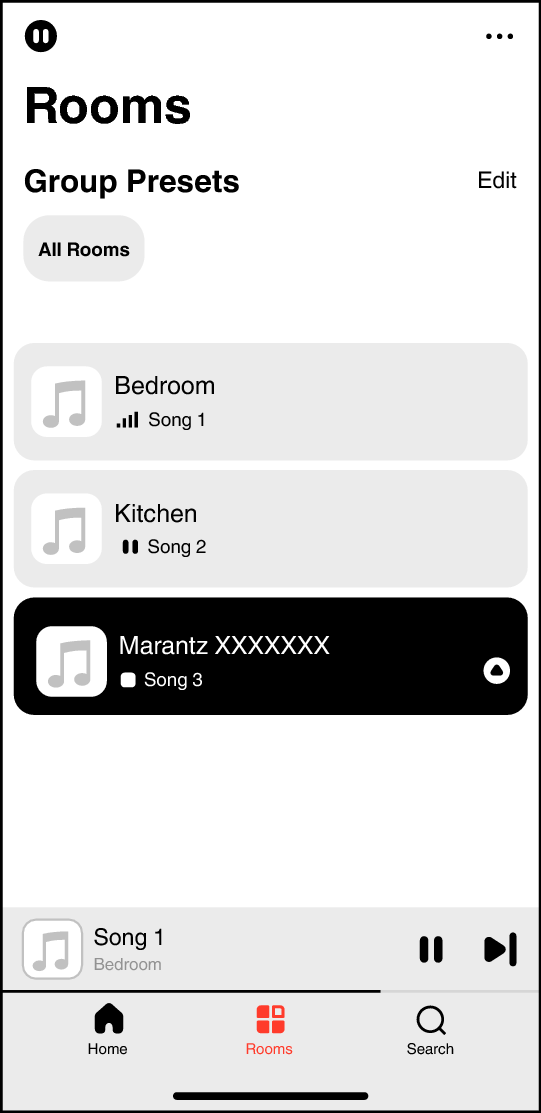
Open HEOS, tap Rooms, then tap the Denon receiver, player, or speaker you want to hear. Its row turns dark when selected.
Open the HEOS app page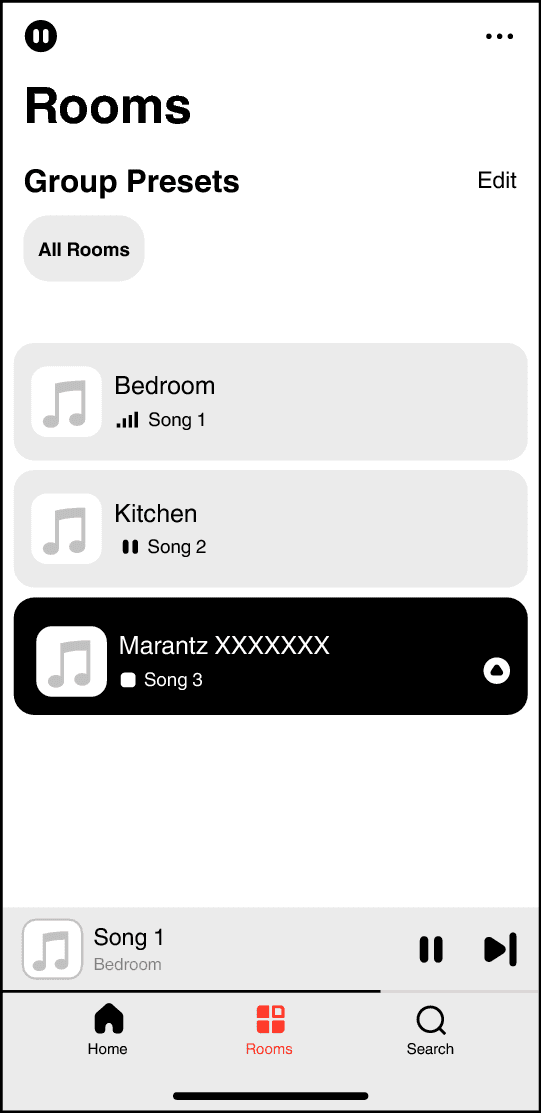
Tap the Denon room in HEOS before choosing music. This is the shared HEOS controller used by compatible Denon and Marantz products.Screenshot: Marantz AV 30 HEOS manual - 2
Add Qobuz under Music Services
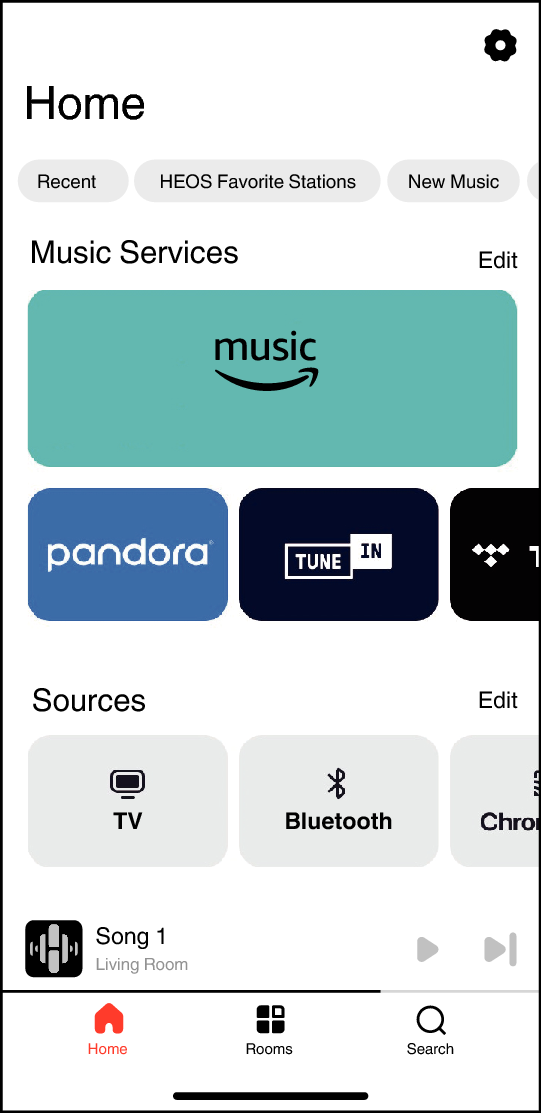
Tap Home. Under Music Services, tap Edit if Qobuz is not already visible, add it, and complete sign-in with the Qobuz credentials from your AudiophileStream dashboard.
Open your AudiophileStream account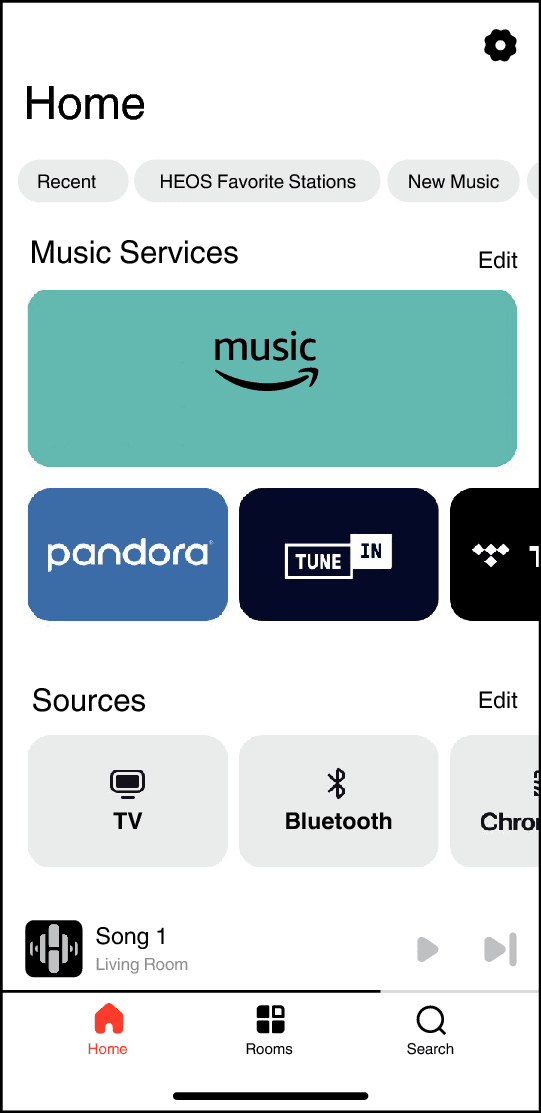
Use the Music Services row on Home to add or open Qobuz.Screenshot: Marantz AV 30 HEOS manual - 3
Choose music and confirm playback
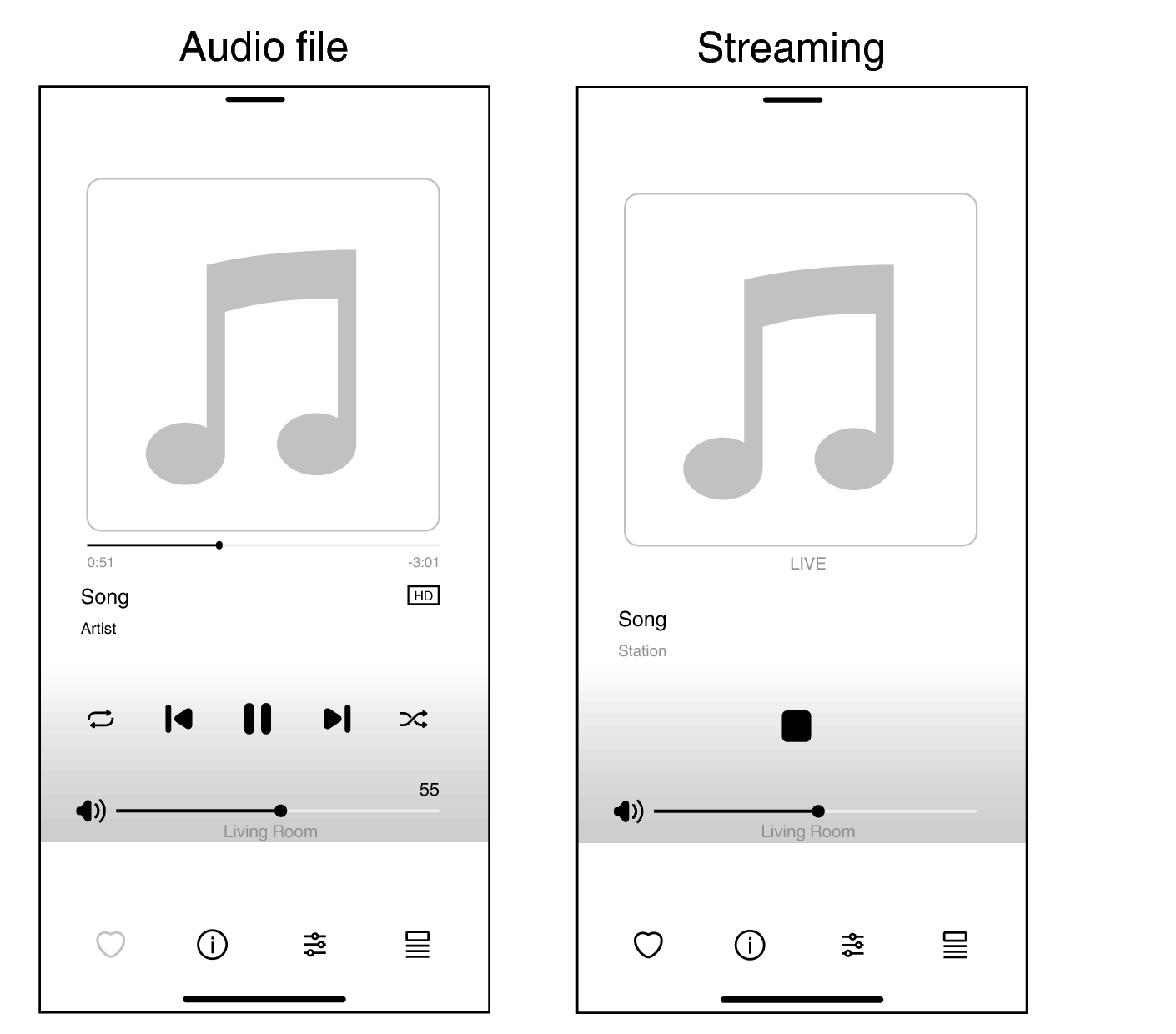
Open Qobuz from Home, choose an album or track, and tap Play. HEOS changes to Now Playing and shows the selected Denon room at the bottom.
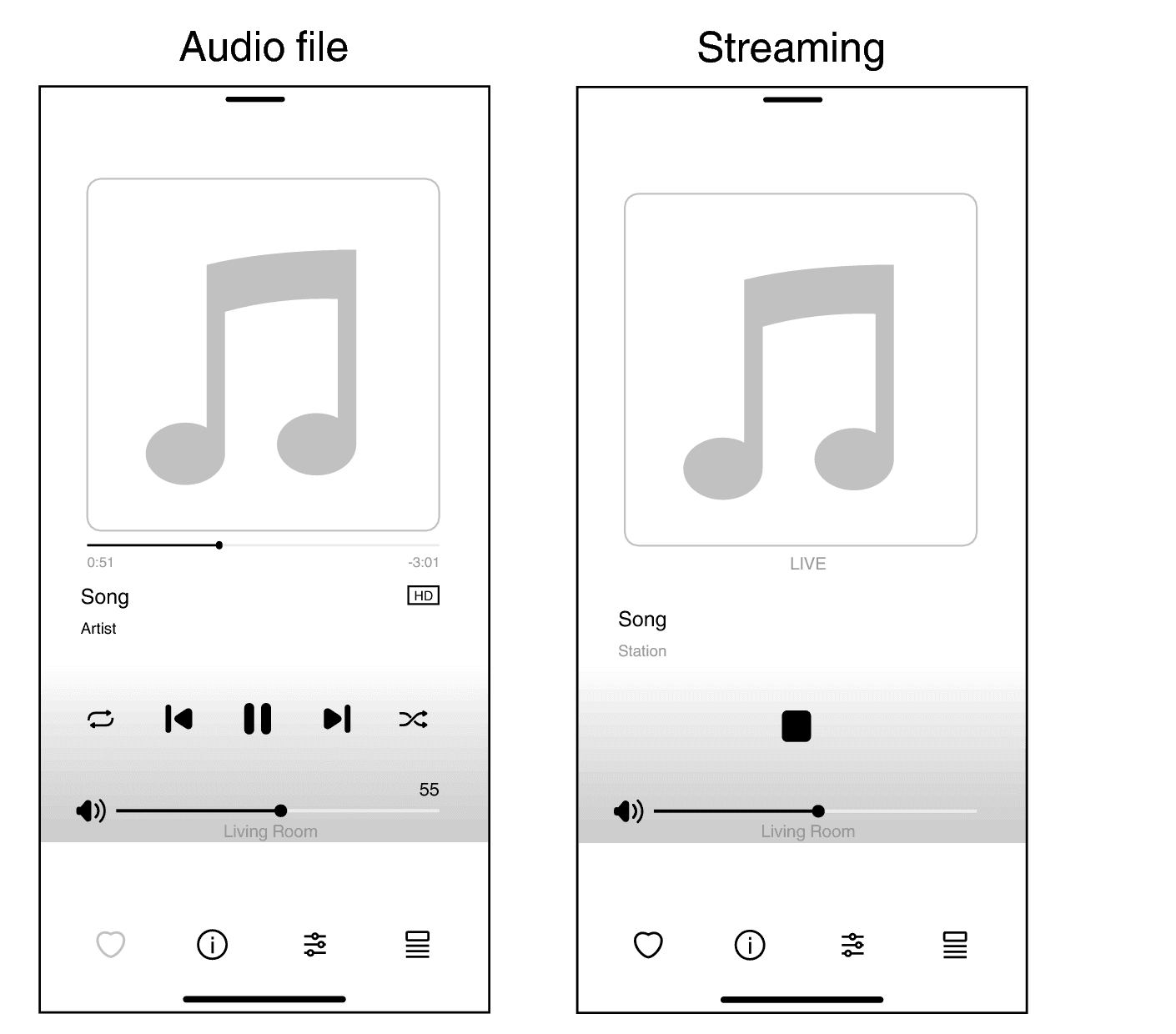
Playback controls and the selected room appear at the bottom of the HEOS Now Playing screen.Screenshot: Marantz AV 30 HEOS manual
If the Denon or service is missing
- 1
Confirm that the Denon has HEOS Built-in and is already connected to the same router as the phone.
- 2
Update both HEOS and the device firmware. Qobuz availability can depend on the model, firmware, and region.
- 3
Restart the device and phone, reopen HEOS, select the room again, and retry the service sign-in.
Downloads and official help
Open the exact resources referenced in this guide.